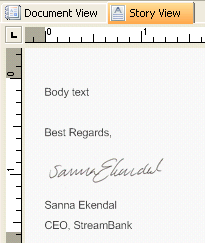
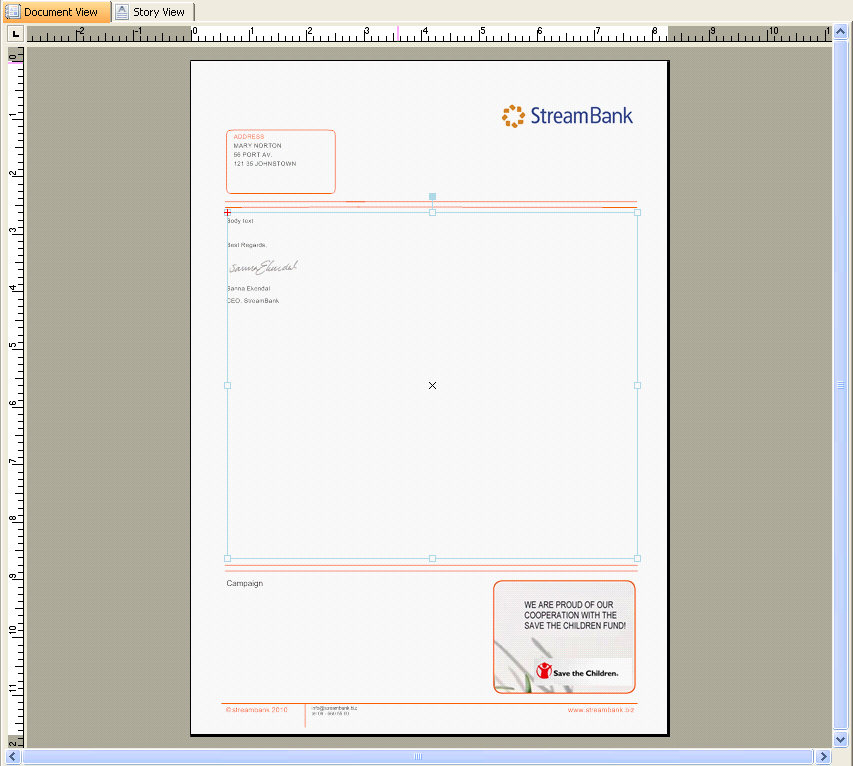
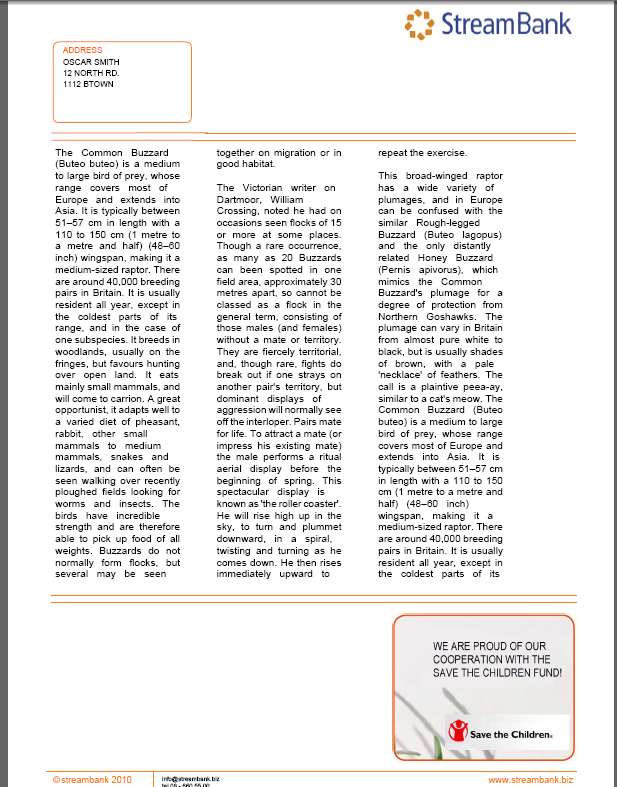
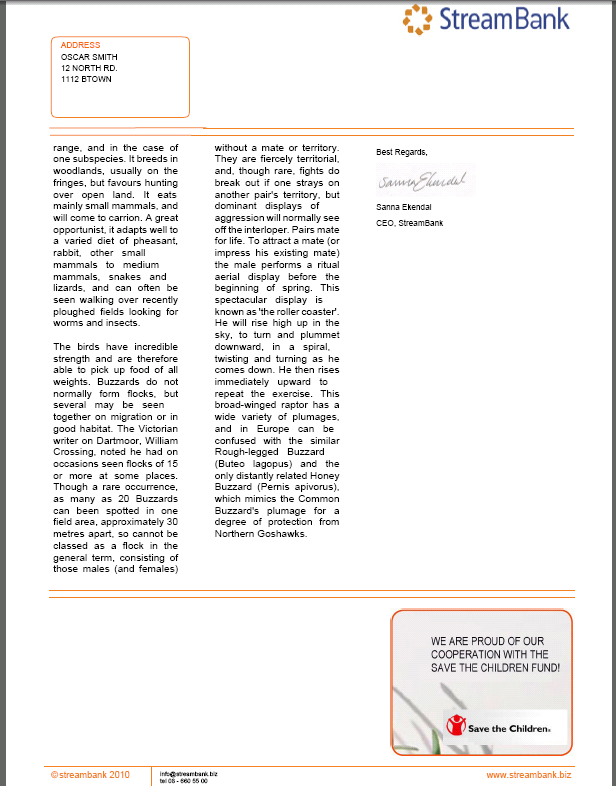
Story and Story frame example The following is an example of a Story, where Body text is a Section that will be substituted with a text added in Composition Center Figure 1 A Story In the Document view, a Story frames linking to the Story above is created. A Column section command is added before the story text and this is configured to render three columns of the story within its Story frame. Three substitutions representing the name and address are added directly on the page from the Message panel. These substitutions are rendered in all instances of the page definition that the Story is overflown to. Figure 2 Story in Story frame, Document View In the output, the Story overflows between instances of the same page definition because the Composition Center Section referred to from the Story is too long to fit on the first page. The overlay (with the logotype and the page footer etc) and the address fields in the top left corner are added outside the Story, which means they will be rendered on all instances of the page definition. Page 1 Page 2 Figure 3 Two pages are created in the output