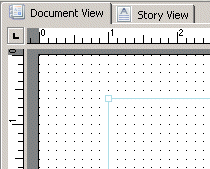
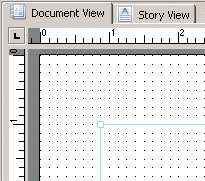
Adding dynamic data to page properties 1 In the Document, Structure, or Page panel, select the page on which you want to set dynamic properties. 2 In the Properties panel Layout category, select one of the following properties Property Description Paper The expected value is one of the listed options for the Paper property. Note: To switch paper type during runtime it is recommended to use a fixed size of the Story frame and set a modification on the position of the Story frame. See Example 54 and Adding dynamic data to the object position, size and rotation Orientation The expected values are 0 and 1 where: 0 = Portrait 1 = Landscape 3 In the Modification text field, click the browse button. 4 In the Data Selection dialog, either: – Browse to the field or variable. – Enter an XPath. Note: If you use an XPath expression, enter it directly in the Modification text field. You can remove or edit the modification later by selecting the Modification field in the Properties panel and removing or editing the data. Example 54 Set modification on Story frame position for switching paper formats in runtime Story frame position for Letter format. x = 1 inch, y = 0.67 inches Story frame position for A4 format. x = 0.875 inches, y = 1 inch