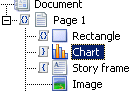
In the following example, the rectangle has both before and after scripts, the chart has an after script, and the Story frame has a before script.
In the bottom bar of the StoryTeller tool you can see how many scripts have been added to the document.

|
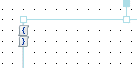
Figure 52
|
An object with before script (upper icon) and after script (lower icon) as seen in Document/Page/Story views
|
|
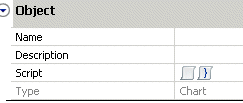
You can click in the script icons in the Document/Page panel and Document/Page/Story views to open the Script editor.
|
