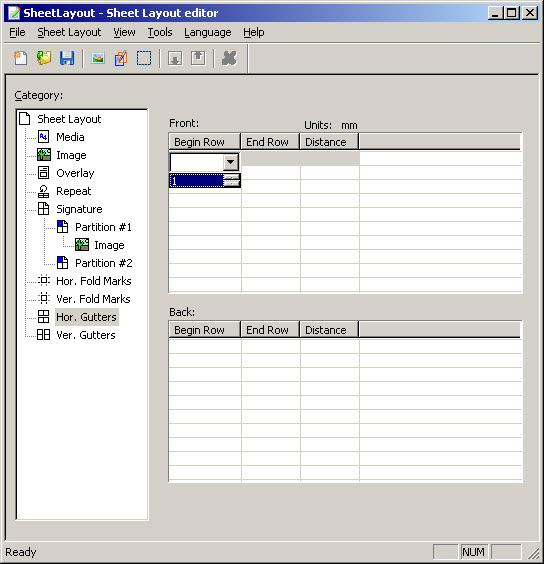
The gutter is the area between two rows or columns of partitions in a signature. The gutter allows the logical pages that are printed on the partitions to be easily visible when the sheet is folded.
In the Gutters tables, you can double-click a cell or click F2 when a row is selected to start editing.

|
Figure 12
|
|
The upper row in the signature, under which the horizontal gutter is located. Top row = 1.
|
|
|
The size of the gutter. If you leave this empty, the size is calculated from the Gutter change value. See Media settings.
|