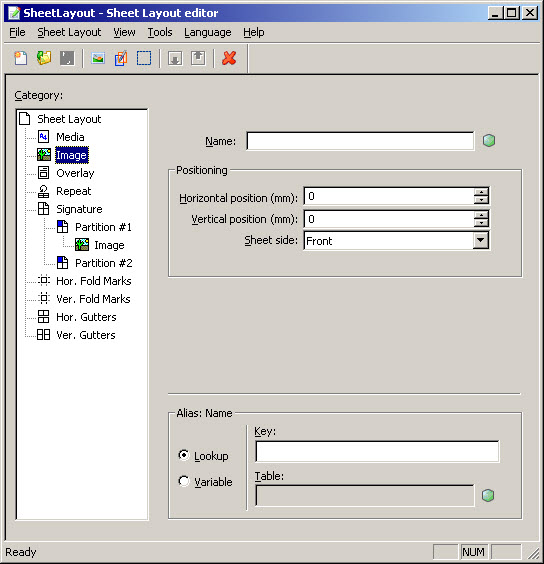
Image settings – sheet level Figure 4 The Image category at sheet level Settings Description Variable values Name The image file name as specified in the resource set. You can use a variable for the image name. For example, you can use customized images depending on the customer ID. A string Horizontal position (mm) The horizontal position on the sheet. Left is 0. Must be points. Vertical position (mm) The vertical position on the sheet. Top is 0. Must be points. Sheet side The side of the sheet where the image will be located. • Front • Back • Both