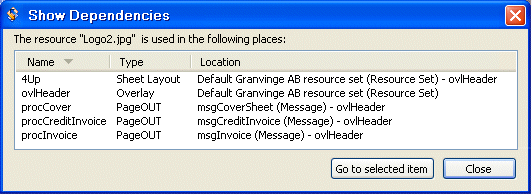
Showing resource dependencies You can retrieve information about which objects (Processes, overlays, etc.) are affected when you modify a resource. This applies to the following resource types: • Image • Overlay • Sheet Layout • Metadata Group • Rule The objects are listed in the Show Dependencies dialog box. Figure 63 The Show Dependencies dialog box. To open the Show Dependencies dialog box Right-click the resource, and select Show Dependencies. Navigating to the objects You can navigate to the objects from the Show Dependencies dialog box: 1 Select the object, and click Go to selected item. The corresponding view opens with the object highlighted. 2 Open the object.