|
2
|
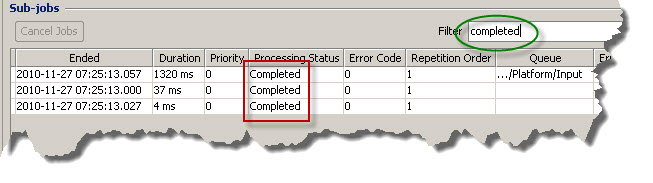
Select the top job and click Job Details. All sub-jobs are displayed.
|
You can use the Filter field to reduce the number of sub-jobs displayed. If you enter a sequence of characters in this field, only table rows that contain the same sequence of characters are displayed. For example, if you enter Completed in the filter, only jobs with status Completed are shown in the table.